01 / COST PLANNING
Cleaning Cost Comparison Calculator
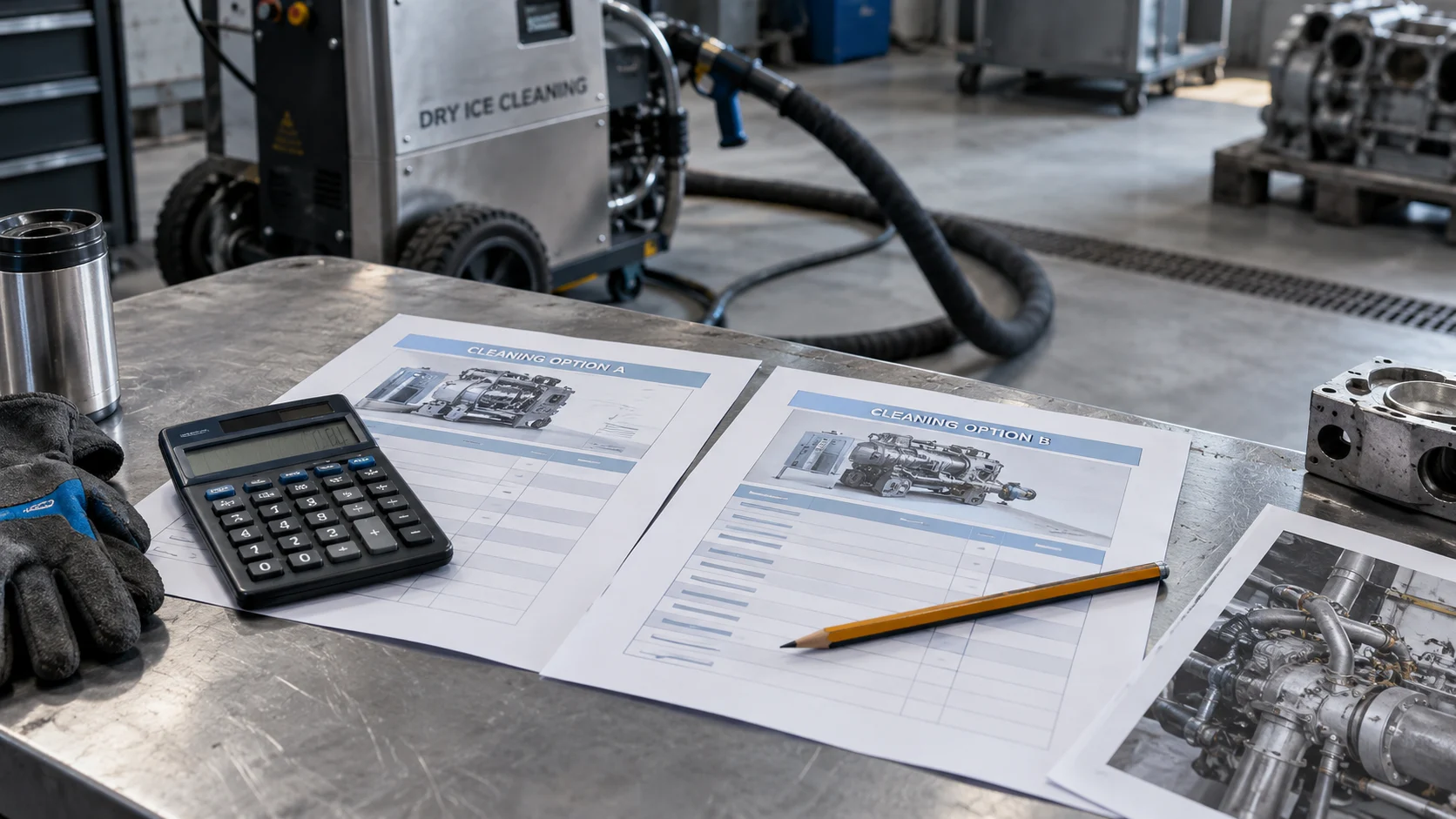
Compare two cleaning scenarios using your own downtime, labor, and direct costs. See the per-event difference and annual impact before requesting a project quote.
YOUR PROJECT DETAILS
Your figures. A transparent comparison.
Complete the project fields first. Then enter your name, email, and phone number to unlock your results and report.
Use the cleaning cost comparison calculator to compare two ways of cleaning the same equipment. Start with your own figures for downtime, labor, and direct costs. Then review the per-event and annual differences.
How to use the cleaning cost comparison calculator
Enter the current and proposed costs for the same equipment scope. Include downtime, your team’s labor, and direct project costs. The calculator shows the total cost of each scenario, the difference per event, and the annual difference at your chosen frequency.
Keep the comparison consistent
Use net production impact for downtime, rather than gross sales. Exclude costs already counted in the labor or direct-cost fields. For example, do not count a contractor’s crew again as internal labor when the quote already includes that crew. Enter zero when a cost does not apply.
Review the cleaning cost comparison calculator results
The output compares your assumptions. It does not estimate Precision’s rates or assume that dry ice cleaning takes less time. A negative annual difference means the proposed scenario costs more under the figures you entered. A positive difference is a modeled saving, not a promised result.
Turn assumptions into a scoped project
Use a representative test and a written quote to replace uncertain durations and costs. Confirm equipment access, the required finish, inspection, and return-to-service responsibilities. Enter your name, email, and phone number to unlock the report. Download it for your team or request a cleaning quote.
Gather the figures behind each comparison
Keep a note of where each cost came from. For example, separate a written contractor quote from an internal estimate. Also record which tasks the quote includes, such as setup or residue collection. If a cleaning duration is uncertain, compare several scenarios using your own inputs. This shows how that assumption affects the total. Before choosing a method, review Cold Jet’s process overview and discuss equipment suitability with the cleaning team.